Creating a gallery
Last updated: 2015-05-05
This article describes how to create a new gallery.
Open Galleries via Content > Galleries.
To create a new gallery click + New in the toolbar.
A new empty gallery will be created and you will be prompted to give it a name. Then open the gallery by clicking on its name.
(If you want to change the appearance of the gallery you should do that before adding photos. Click on Properties in the toolbar and select the template. Click on Properties again to close the properties.)
You can now add all your photo’s. Click Upload in the toolbar or drag and drop photo's from a folder on your computer.
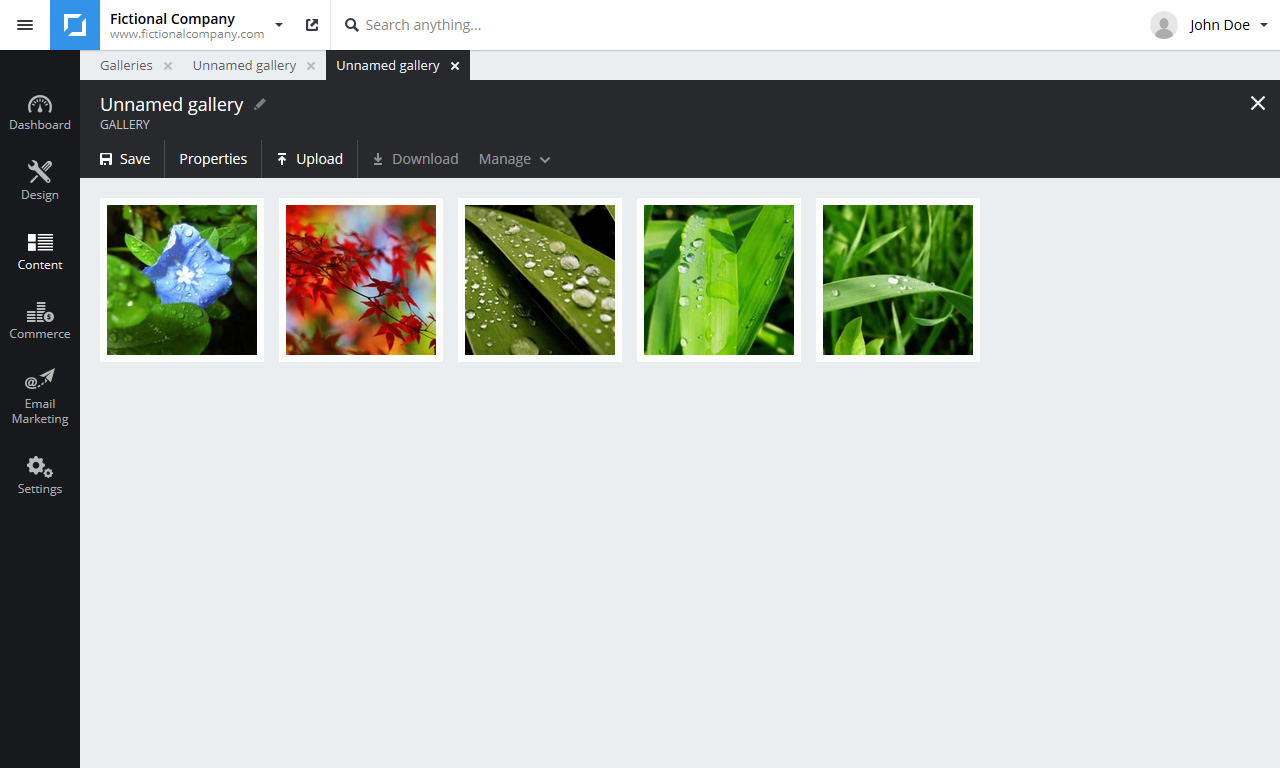
Click Save in the toolbar to save the changes.
Note: A gallery by itself is not publicly accessible. A gallery must be added to a webpage to be viewable by visitors.