Inserting a form
Last updated: 2015-05-05
This article describes how to add a form to a webpage.
Open the webpage you want to add a form to by going to Content > Webpages and clicking on the related webpage.
In the designer click on the paragraph or widget you want insert the form after.
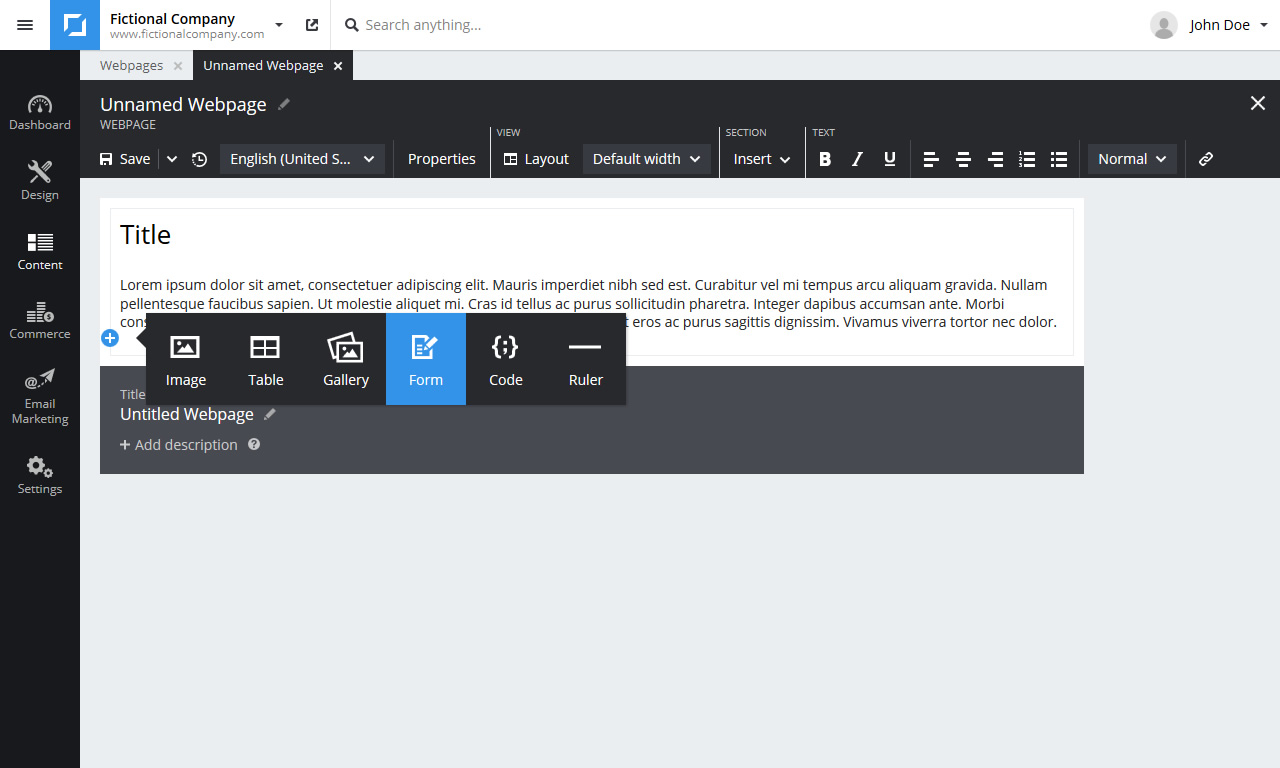
Then either click on the little + icon in the left margin or click on Insert in the toolbar. Choose Form from the menu.
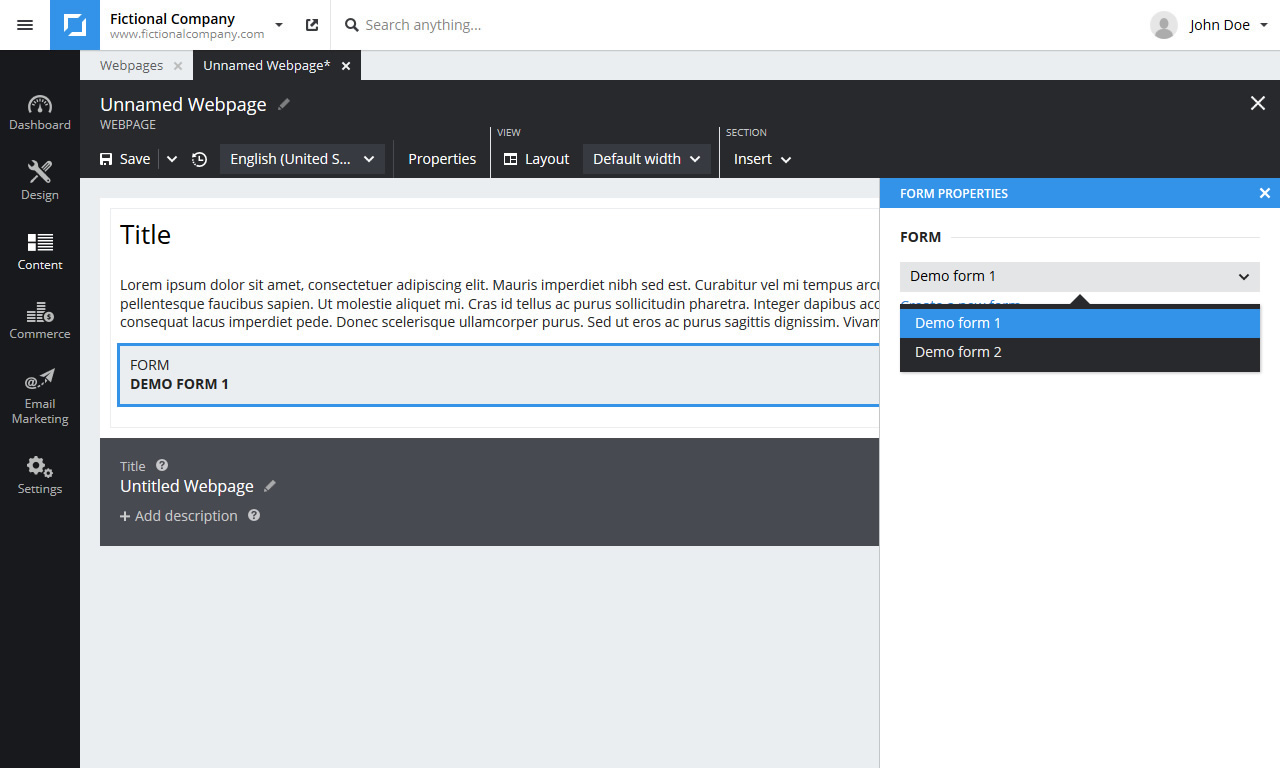
Select the desired form in the properties panel or click Create new form.
(To open the properties panel if it is not open double click the form widget or select Properties from the context menu.)
Click Save in the toolbar to save the changes and make them visible online.
Related articles: